Bosch Kiox 300
Smart System. Kiox reimagined.
The Smart System color display. Removable, connects to the Bosch eBike Flow app for turn-by-turn navigation, ride history, and over-the-air motor updates, and it acts as the key for eBike Lock.
Kiox 300 is the Smart System counterpart to the original Kiox. The design lineage is clear, center-mounted, color, detachable, but the integration goes deeper: Bluetooth pairing with the eBike Flow app, over-the-air motor firmware updates, and theft protection via the eBike Lock feature (the display acts as the key: the motor refuses to assist without it or the paired phone).
With the Flow app paired, the display shows turn-by-turn navigation, weather, and ride history pulled live from your phone.
If you're looking at a 2023+ Bosch eBike, this is probably the display option. It's the default on new Performance Line CX-equipped bikes; the step up is the larger Kiox 500, the step down is the Purion 200 or LED Remote.
You want navigation on the bike. Premium spec where the price step is small.
Want simplicity, the Purion 200 shows the speed/range/assist level you actually look at.
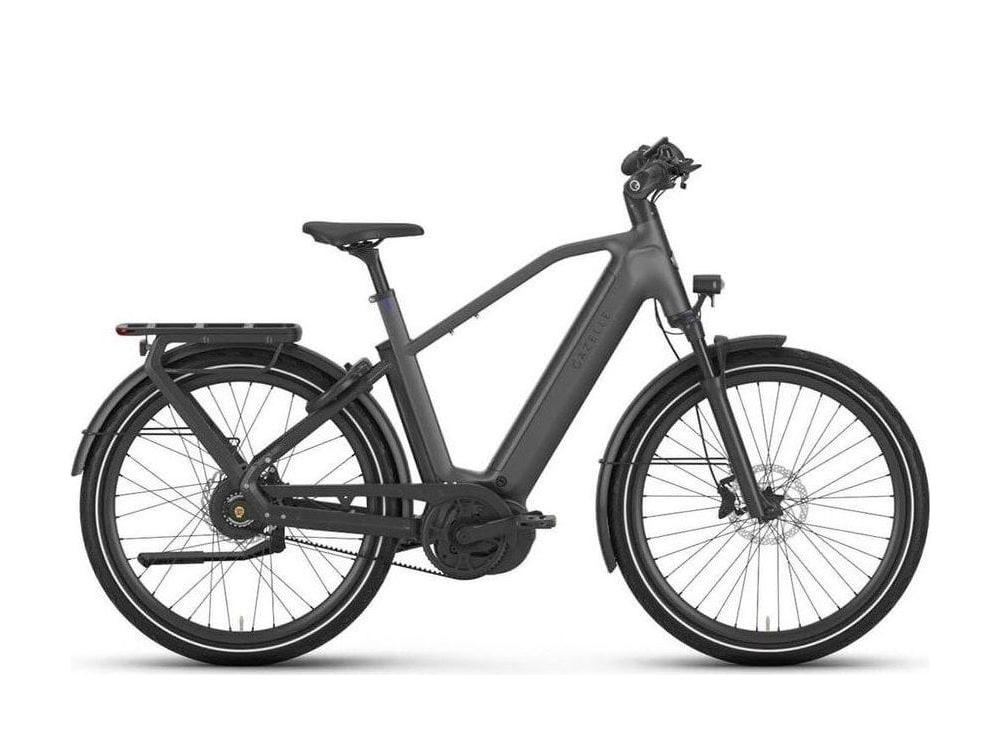
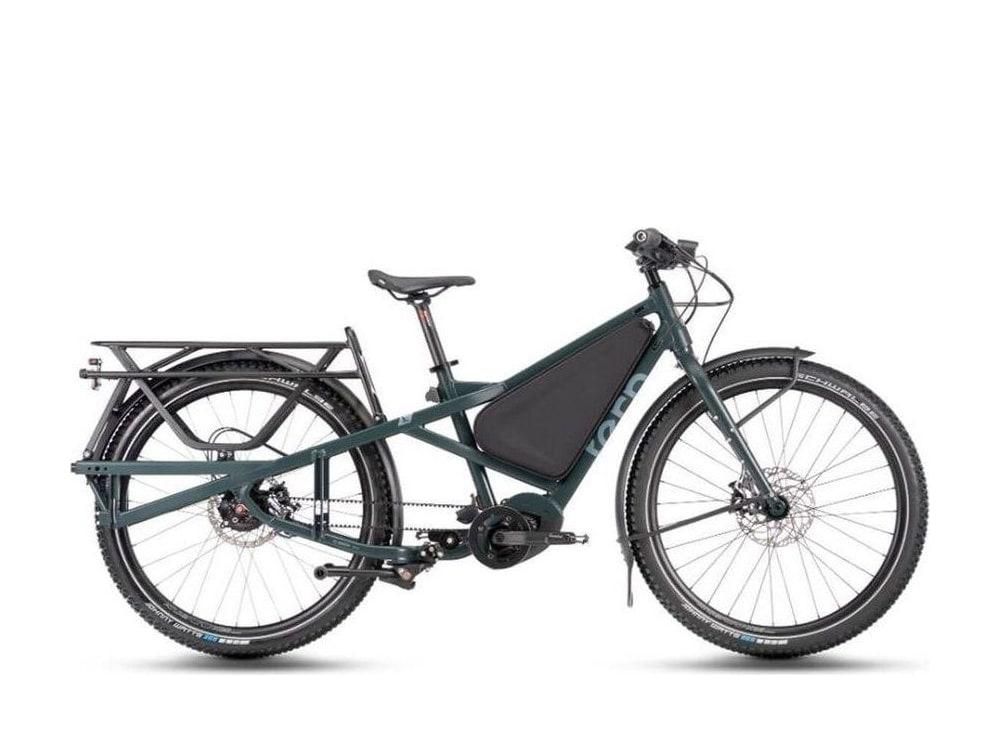
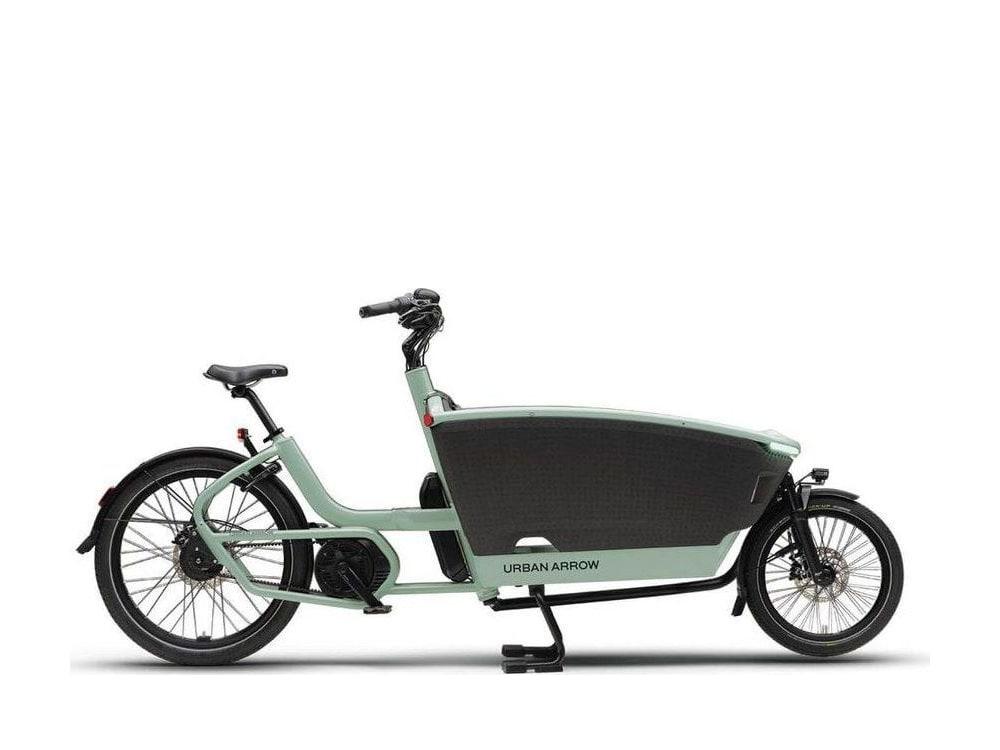
7 models use it.
Other options in the library.
- BoschBosch PurionMinimalist. Just the data you need.
- BoschBosch Purion 200The compact Smart System display, everyday spec, nothing extra.
- BoschBosch IntuviaThe classic Bosch display. Easy to read, easy to use.
- BoschBosch Intuvia 100The Smart System successor to the classic center-mount display.
- BoschBosch KioxColor screen, more data, sport-oriented.
- BoschBosch Kiox 500The extra-large Smart System display.
- BoschBosch NyonThe full smartphone-like cockpit.
- BoschBosch SmartphoneHubUse your phone as the display.
- BoschBosch LED RemoteThe most minimal Smart System cockpit.
The Bosch reference for this part.
What our service team works from: the systems guide, the torque tables, the battery and display references, the error codes, and the range calculator and update archive we host.
- GuideThe Bosch eBike systems guide Motors, batteries, displays and the Smart System in one read. Start here if you are not sure which generation your bike is.
- Service referenceBosch parts torque specs and tool required Twelve tables from the Bosch service manual: every torque value and the tool it takes, by display, battery, drive unit and speed sensor.
- Service referenceBosch batteries: the complete reference PowerPack, PowerTube, CompactTube and DualBattery: the capacities per generation, charging, and what does not cross over.
- Service referenceBosch displays: what each one does Purion, Intuvia, Kiox, Kiox 300, Nyon, SmartphoneHub and LED Remote: identify yours, and what each one shows.
- GuideBosch displays: find yours, upgrade it, or replace it The counter chooser for a cracked or stolen display: platform first, then the part numbers we order by.
- Service referenceBosch error codes What each code on the display means, and which ones you can clear yourself before you call the shop.
- ToolBosch range calculator Honest range expectations: assist mode, terrain, rider and cargo weight, temperature, tires and headwind, plus Bosch’s own Range Assistant.
- ToolBosch update archive A partial archive of Bosch firmware, hardware, app and compatibility changes tracked by Propel through September 2024.